
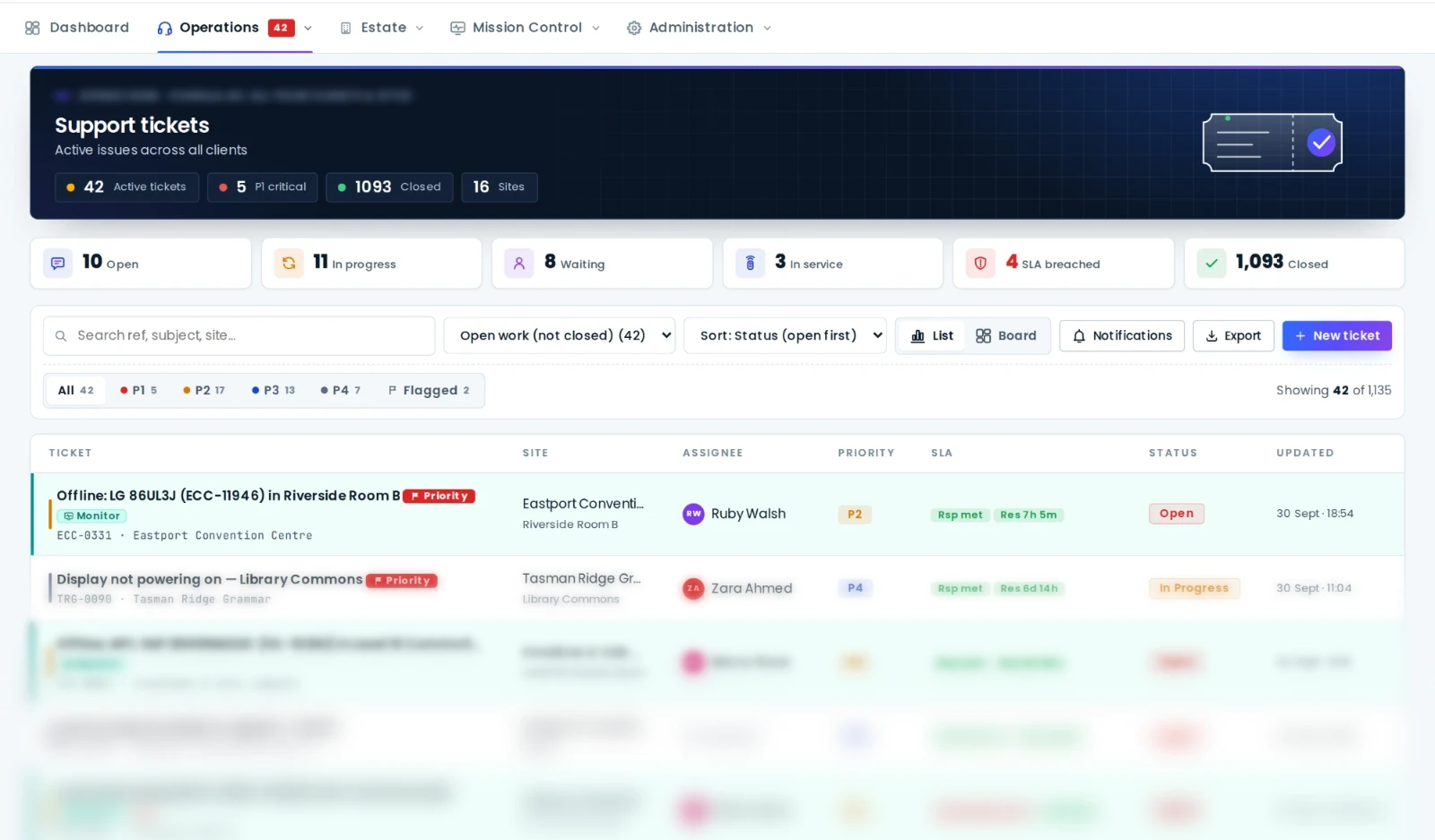
- Managed AV services combine remote monitoring, a help desk with SLAs, remote fixes, on-site response, preventative maintenance and reporting under one agreement.
- The engine is AV remote monitoring and management (RMM): an on-site box or cloud connection per site, alerts that become tickets, and remote fixes with an audit trail.
- Judge a provider on what happens after the alert (response and resolution targets, remote fix rate, and who owns the asset register), not on the dashboard.
- In AVDesk you can run the estate self-managed, hand it to AVDesk Managed Support, or have your integrator deliver it, on the same platform and the same data.
Most organisations didn't set out to become experts in running AV. They bought rooms that work, and then discovered that keeping them working takes monitoring, a help desk, maintenance, spare parts, technicians and reporting. A managed AV service packages all of that into an ongoing service with an agreed level of performance, so the organisation buys working rooms rather than call-outs.
This guide covers what managed AV services include, how the AV remote monitoring and management (RMM) layer underneath them works, what the service level agreement should cover, the questions to ask a provider, and how to decide between running AV support yourself and having it managed.
What managed AV services include
Scopes vary, but a complete managed AV service covers seven things:
- Remote monitoring. Every room and device watched continuously, with faults detected before users report them.
- A help desk. One place users and staff report problems (email, portal or a QR code in the room), with every request tracked as a ticket.
- Remote fixes. Power-cycles, input changes, mutes, preset recalls and reboots done from the service desk without a site visit.
- On-site response. A technician dispatched when the fault is physical, within an agreed time.
- Preventative maintenance. Scheduled health checks, cleaning, updates and the physical checks no sensor can do.
- Asset and lifecycle management. A current register of every device with warranty and end-of-support dates and a refresh forecast.
- Reporting. Uptime, tickets, SLA performance and recurring faults, reported on a regular cadence.
Some providers sell parts of this separately. "AV monitoring services" or "remote monitoring services" often mean items 1 and 3 only, with the physical fix still yours to organise. That can be the right choice; just be clear which one you are buying.
AV remote monitoring and management (RMM), explained
RMM is a term borrowed from IT managed service providers, where it describes the platform that watches and manages thousands of computers remotely. In AV it describes the same idea applied to rooms and equipment, and it has two halves:
- Remote monitoring: polling every device for reachability, power and input state, error flags, lamp hours, temperatures and the health of the network underneath, and raising an alert when something changes. The mechanics are in remote AV monitoring: how to monitor AV devices remotely.
- Remote management: acting on what monitoring finds (sending commands to equipment, raising and routing tickets, scheduling maintenance and keeping the asset register current).
The RMM platform is the provider's engine room, and the quality of a managed AV service depends heavily on it. A provider working from one brand's cloud and a spreadsheet for everything else will struggle to deliver the same service as one working from a single platform that reaches the whole estate.
What the platform should do
- Reach every brand in the estate, including equipment with no cloud account, through an on-site box at each site.
- Connect outbound only, so no inbound firewall ports are opened on the client's network.
- Turn alerts into tickets automatically, with the site, room and asset attached.
- Log every remote command against the device and the person who sent it.
- Give the client their own scoped login, so they see what the provider sees.
Remote monitoring services vs a fully managed service
| Monitoring-only service | Fully managed AV service | |
|---|---|---|
| Who watches the alerts | Provider | Provider |
| Who fixes remotely | Sometimes the provider, often you | Provider |
| Who dispatches a technician | You | Provider |
| Help desk for users | Usually yours | Provider |
| Preventative maintenance | Separate | Included |
| Accountable for uptime | You | Provider, under SLA |
Monitoring-only suits organisations with an in-house AV or IT team that wants early warning but will do its own fixing. A fully managed service suits organisations with no AV team, or a small one stretched across too many rooms.
What a managed AV SLA should cover
The service level agreement is where a managed service becomes measurable. Look for:
- Priorities with examples. A boardroom down before a board meeting is not the same as a scuffed wall plate. Each priority should be defined with examples, not adjectives.
- Response and resolution targets per priority, stated separately, because acknowledging a fault and fixing it are different promises.
- Hours of cover. Business hours, extended hours or around the clock, and what happens to the clock outside them.
- Pause rules. When the clock stops (waiting on the client, waiting on a part) and who decides.
- What "resolved" means. The room working, confirmed by monitoring or by the user, not just "technician attended".
- Reporting. SLA performance by site and priority, uptime by room, and the repeat offenders.
An SLA is only as good as the data behind it. Ask to see the report before you sign, and whether the clock runs in the same system the tickets live in.
Questions to ask a managed AV provider
- Which of our devices will you monitor, and how? Vendor clouds only, or on site across every brand?
- What do you need on our network, and does it require inbound firewall ports?
- What share of faults do you expect to resolve remotely, and how will you report it?
- How do our users report faults, and do they need a login to do it?
- Who owns the asset register and the service history, and can we export them if we leave?
- Can we see the same tickets, alerts and reports you see, with our own login?
- How are technicians dispatched, and what are the on-site response times in each region?
- What is included in preventative maintenance, and how often?
- How are firmware and configuration changes approved and recorded?
- What happens at the end of the contract? Can we take the platform and data in-house?
Question five matters more than it looks. If the register and history live only in the provider's tools, changing providers means starting again from nothing.
Self-managed, managed or integrator-delivered?
There are three common ways to run AV support, and the right one depends on the team you have:
| Self-managed | Managed by the platform provider | Delivered by your integrator | |
|---|---|---|---|
| Watches the monitoring | Your AV or IT team | Provider's team | Integrator's team |
| Works the tickets | Your team | Provider's team | Integrator's team |
| On-site work | Your team or integrator | Your integrator | Integrator |
| Best for | Organisations with an AV team | No AV team, or one stretched thin | Organisations already under an integrator service contract |
What matters is that changing model shouldn't mean changing platform. When the register, the history and the rooms stay in one place, the only thing that changes is who is doing the work.
How AVDesk supports managed AV services
AVDesk AV Management Software is the platform underneath all three models. An accredited AVDesk integrator installs Ody, the compact on-site box, at each site; Ody manages the AV equipment on that network and connects outbound to the AVDesk cloud, with vendor clouds federated in via SSO. Alerts become tickets in the AV help desk with SLA clocks, users report faults by scanning the room's QR label, and every remote command and change is recorded against the asset.
- Self-managed: your own team runs it, with scoped logins for facilities, IT and stakeholders.
- AVDesk Managed Support: our team watches the monitoring, works the tickets and meets the SLAs for you. You can switch between self-managed and managed at any time.
- Integrator-delivered: integrators use AVDesk to support many client estates from one queue, while each client sees only its own sites.
The platform is priced per room; Managed Support is quoted per estate. Book a demo to see it on your rooms, or if you are an integrator, talk to us about partnering.

