
- A library service is a multi-site AV estate run by non-technical staff; the tools have to work for them, not just for a technician.
- QR codes at the desk and in every room let staff and patrons report a fault in seconds, with no app and no login.
- The program room gets a wakeup check before the first session, so a dark projector is fixed before the children arrive.
- One register across all branches tracks loan kit, consumables and signage alongside the installed equipment, with the value finance needs.
The library is an AV venue now
Ask a librarian what equipment they look after and the list runs long: the projector and screen in the program room, the display and soundbar in each bookable meeting room, the makerspace's 3D printers and laser cutter with a display for tutorials, the recording studio's microphones and interface, digital signage at the entrance and in the children's area, a public-address system, assistive listening at the service desk, and a cupboard of loan equipment: laptops, portable speakers, adapters, microphones for community groups.
Now multiply by branches. A regional library service might run eight or twelve of these, an hour apart, with one IT or AV contact for all of them and an integrator who visits when called. The gear is fine. The problem is that nobody can see all of it at once, and the people who can see it don't have the tools to say what's wrong.
Give branch staff a way to report faults in ten seconds
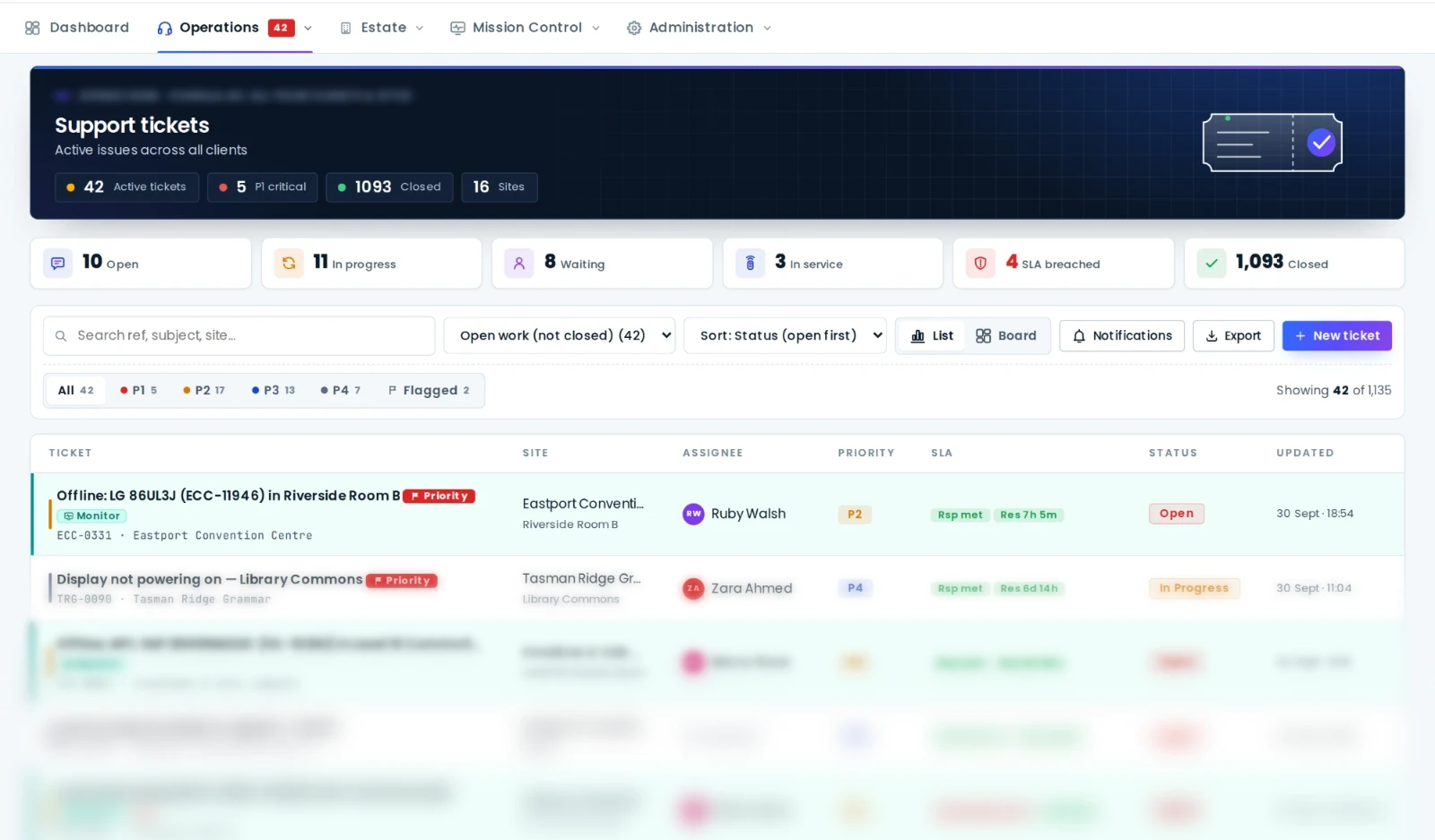
Library staff are excellent at noticing problems and terrible at logging them, because logging them means finding an email address, describing the room, guessing the equipment and waiting. AVDesk replaces that with a QR code: one at the desk, one in each room. Scan it, type "projector won't turn on", submit. The ticket lands in the support desk already linked to the branch, the room and its equipment, and the reporter gets a link to follow it.
Patrons can use the same code. A community group that hires the meeting room on a Tuesday evening reports the dead HDMI input from the room, and the fault is known before the next booking rather than discovered by it.
The program room gets checked before story time
Every branch has one room with a hard start time. In AVDesk the on-site Ody box runs a wakeup check on that room before opening: projector responds, display is reachable, DSP is healthy. If something is wrong, a ticket is raised while the branch is still closed and the fix, often a remote power cycle or preset recall, happens from wherever the AV contact is that morning. The session starts on time and nobody knew there was a problem.
Signage: know a screen is dark before the public does
Digital signage is the equipment most likely to fail quietly. A screen that's gone black at the entrance is invisible to staff who walk past it every day and obvious to every visitor. Network-controllable displays and media players are monitored by Ody like any other device: if the screen stops responding, an alert is raised and a ticket opened. Displays that don't support network control still live in the register, with their location, warranty and history, so the replacement decision has data behind it.
One register across every branch
The AVDesk register is structured by site, building, level and room, which maps neatly onto a library service: each branch is a site, each room is a room, and the loan cupboard is a location with its own contents. On each asset record:
- Installed equipment with model, serial, purchase cost, depreciation and written-down value, so the council's finance team gets the numbers they need from the same record.
- Loan kit and portable equipment with its own status and location, so "do we still have the portable PA" has an answer.
- Consumables and spares: projector lamps, batteries, adapters, the HDMI cables that walk. Track them alongside the equipment they serve so the branch never runs out on a Saturday.
- Test & Tag records for portable electrical equipment, with due dates visible before they lapse.
- A QR label on each asset so a visiting technician scans the sticker and sees the record, the history and the open tickets in front of the equipment, then updates it on the spot.
Stocktakes stop being a week of clipboards. With labels on the assets, the annual audit is a walk through each branch scanning with a phone; AVDesk reconciles what was confirmed, what's missing and what moved.
Reporting to the council and the board
Library managers get asked for numbers: how often rooms fail, how quickly faults are fixed, what the equipment is worth and when it needs replacing. Because tickets, alerts and assets share one platform, those reports exist without anyone compiling them: uptime per branch, SLA performance, fault hotspots by room and a refresh forecast by financial year. That last one is how a library service turns "the projectors are old" into a funded line in next year's budget.
Branch staff report from the room, the program space is checked before the doors open, and every branch is one entry in the same register. The AV contact stops being a call centre and starts running an estate.
Getting started
Libraries usually begin with the busiest branch: an Ody on site, the existing equipment list imported, QR codes at the desk and in the rooms, and the support desk live. The remaining branches follow one at a time. Each one is a few days of integrator work, not a project, and library services with limited IT support can hand the whole thing to AVDesk Managed Support.
Book a demo and we'll walk through it with your branch list in hand.

